The best AI grammar checker for Chrome depends less on raw correction power and more on where the tool fits into your day. A big assistant can help with drafts. A focused fixer is better when one sentence in Gmail, Notion, Linear, Slack, or a form needs to be correct.
Search for a Chrome grammar checker and you will see the same names again and again: Grammarly, QuillBot, LanguageTool, Sapling, and a long tail of newer AI extensions. Many of them can catch grammar mistakes. The harder question is whether they fit the way you write.
That matters because Chrome is not a blank document. It is where your words already live. A browser grammar checker can sit inside every text box, ask for broad permissions, interrupt you with suggestions, open a side panel, rewrite the sentence, or quietly fix a selected line. Those are very different products.
Start with the job you need done
Most people do not need one writing tool for everything. They need the smallest tool that solves the current problem.
If you are drafting a long document, a full writing assistant can be useful. Grammarly and QuillBot both lean into that larger role. Grammarly's Chrome listing talks about grammar, clarity, tone, and AI support "from first draft to final edit." QuillBot's Chrome listing combines grammar checking, paraphrasing, rewriting, and generated text.
If your draft already exists, the extra features can get in the way. A typo in a support reply does not need a new paragraph. A Slack message with one tense mistake does not need a tone rewrite. It needs a correction that leaves the rest alone.
A good Chrome grammar checker should make the sentence safer to send, not make it sound like it came from a different person.
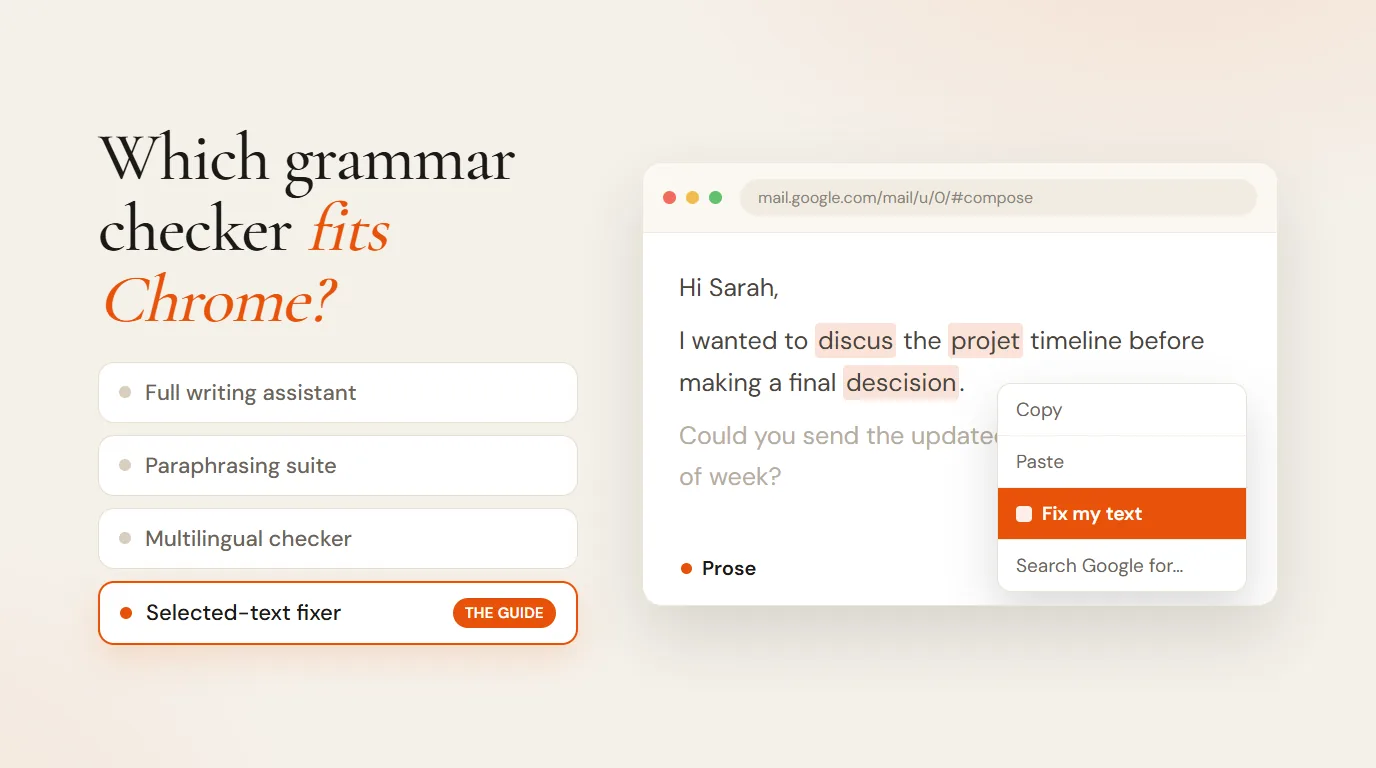
The four types of Chrome grammar tools
The current market breaks into a few useful groups. You can save time by choosing the group first, then comparing the tools inside it.
| Type | Best fit | Watch out for |
|---|---|---|
| Full writing assistant | Drafts, tone, clarity, document-wide suggestions | Too many popups or suggestions for short fixes |
| Paraphrasing suite | Rewording, expanding, simplifying, student workflows | Output can move away from your original sentence |
| Multilingual checker | People who write across several languages | Less focused on one-click selected-text fixes |
| Selected-text fixer | Quick grammar fixes inside the page you are already using | Less useful when you want a blank-page draft |
How to judge an AI grammar checker
Once you know which type of tool you need, three questions separate the good options from the noisy ones: what the extension can read, how the fix fits your workflow, and how much rewriting you are signing up for.
Check what the extension can read
Chrome writing tools often need access to page content so they can see the text you are editing. That is normal for this kind of product, but it is still worth checking before you install one.
Privacy research around AI Chrome extensions has put this in sharper focus. Incogni's 2026 report on AI-powered Chrome extensions looked at data collection and sensitive permissions. Help Net Security's coverage of that report called out popular tools, including Grammarly and QuillBot, for high data collection and broad interaction with browser content.
The practical lesson is simple: read the Chrome Web Store privacy box and the privacy policy. Look for what data is collected, whether the tool runs on every text field or only when you ask it to, and whether the extension needs access beyond the correction you requested.
Look at the workflow, not just the features
Feature lists make every tool sound similar. Grammar check, rewrite, tone, translate, summarize. Workflow is where the difference shows up.
A paste-based grammar checker can be accurate and still slow. You copy text, open another tab or panel, paste it, ask for a fix, copy the answer, paste it back, then clean up formatting. That is too much ceremony for a sentence that only had one mistake.
Some newer Chrome extensions are trying to remove that loop. Recent extension discussions and product listings keep coming back to selected text, context menus, and right-click actions. That is the right direction for everyday editing because the fix happens where the writing already is.
Decide how much rewriting you want
This is the most important choice. Many AI grammar tools are also rewriting tools. QuillBot's grammar checker page says users can accept corrections or use AI commands to rewrite, expand, or simplify sentences. That is helpful when you want a new version. It is risky when you only wanted an error fixed.
The difference is easiest to see with a small example:
| Version | Text |
|---|---|
| Original | Can you send me the final numbers before we publish this? |
| Fixed | Can you send me the final numbers before we publish this? |
| Rewritten | Would you be able to share the final figures before we move forward with publication? |
The rewritten sentence is fine. It is also a different voice. A grammar checker should make that change only when you asked for it.
Do not forget spelling
Grammar and spelling are different jobs, and search data shows people look for them with different words. Chrome ships with a built-in spell checker, but it has two limits: the Basic mode only compares words against a local dictionary, and the Enhanced mode sends the text you type to Google, as Google's own help page explains. An AI checker worth installing should handle spelling, grammar, and punctuation in one pass, on the text you selected, and nothing more.
Where Prose fits
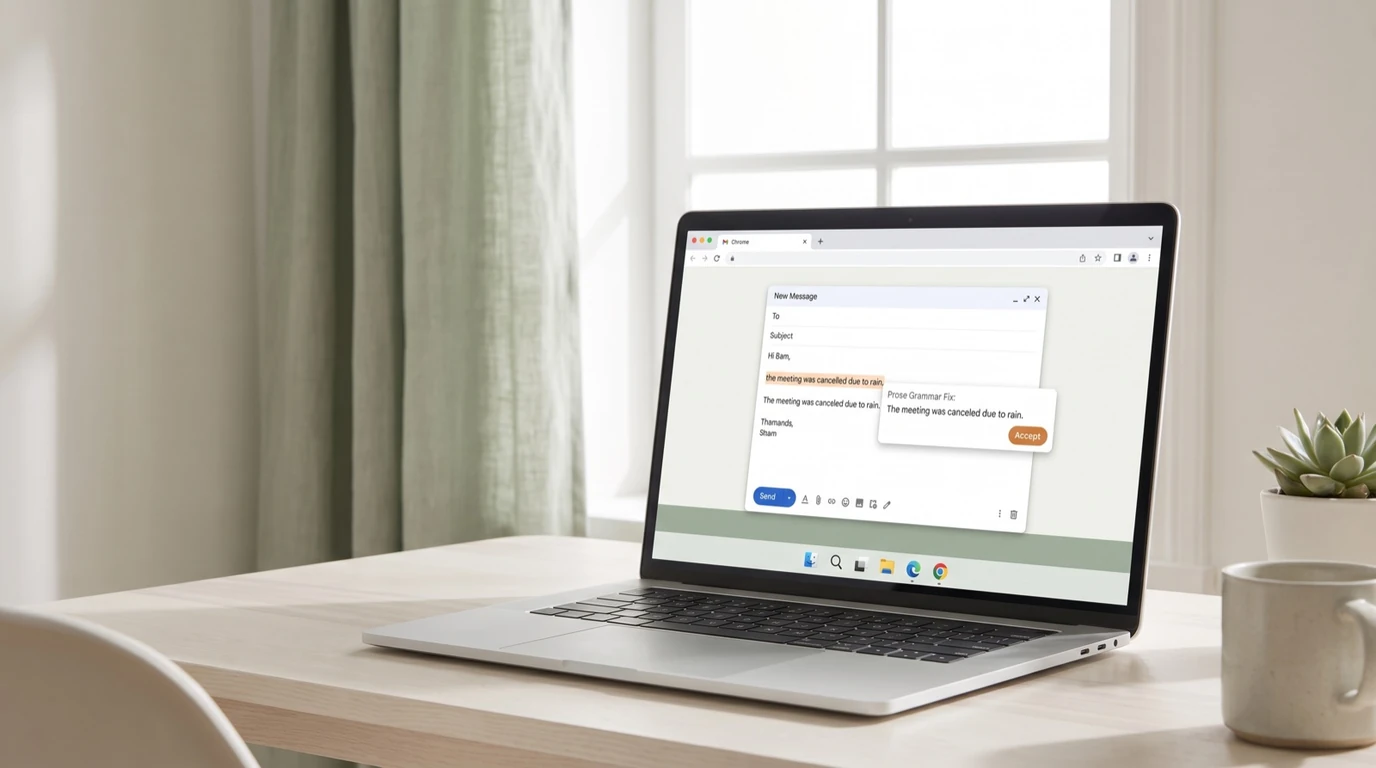
Prose is for the selected-text fixer job. You select text in Chrome, right-click, and ask Prose to fix it. It sends only the selected text needed for the correction, then returns the same sentence with spelling and grammar cleaned up.
That makes Prose a poor choice for long-form drafting and a good choice for the small corrections that happen all day: an email subject line, a LinkedIn comment, a customer reply, a project update, a form field. The product constraint is the point. It fixes text. It does not try to become your whole writing environment.
A quick checklist before you install
- Does it work where you write? Check Gmail, Docs, Notion, Slack, Linear, X, and the browser forms you use most.
- Can it fix selected text? Highlight a sentence and see whether the tool can correct only that sentence.
- Does it rewrite by default? If the fixed version sounds like a new author, it is doing too much for grammar work.
- What does the privacy box say? Read what the extension collects and when it can access page content.
- Can you ignore it? A grammar checker you only trigger when needed is easier to live with than one that interrupts every field.
If you want a full writing assistant, use one. If you want to fix a sentence without leaving the page, choose a tool built for that smaller job. That is the cleaner Chrome workflow, and it is the one Prose is built around.
Frequently asked questions
What is the best free AI grammar checker for Chrome?
It depends on the job. For document-wide suggestions, Grammarly's and QuillBot's free tiers cover the basics. For fixing a selected sentence where you already write, without an account, a selected-text fixer like Prose does that one job. The four types are compared in the table above, and this guide shows the selected-text workflow step by step.
Do AI grammar extensions read everything you type?
Some can: an extension with broad host permissions may access page content on every site. Others only act on the text you select, on your click. The Chrome Web Store privacy box lists what each extension collects, and the extension's permission prompt shows how far its access goes. Prose's policy documents its own path, mode by mode.
Is Chrome's built-in spell check enough?
For typos, often yes. It does not fix grammar, punctuation, or phrasing, its Enhanced mode sends your text to Google, and users regularly report it turning itself off. If you need more than spelling, you need a checker that handles the full sentence.
Can I use my own AI key instead of a subscription?
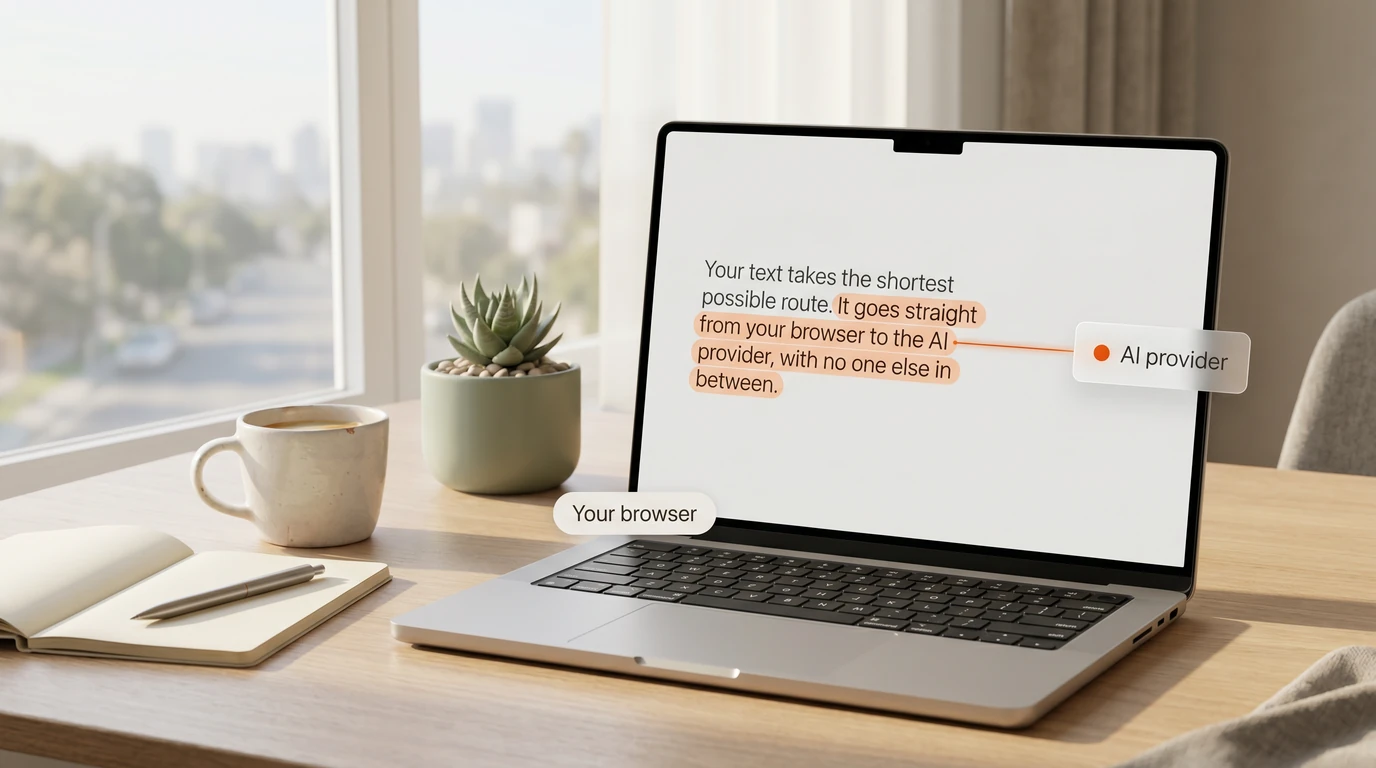
With most big-name checkers, no: you pay their subscription. Some newer tools, Prose included, let you bring your own OpenAI, Anthropic, or Google key, so the text goes from your browser to your provider and usage is billed at cost. The pricing section explains both options.